Admin Panel

Complete click-by-click administration manual

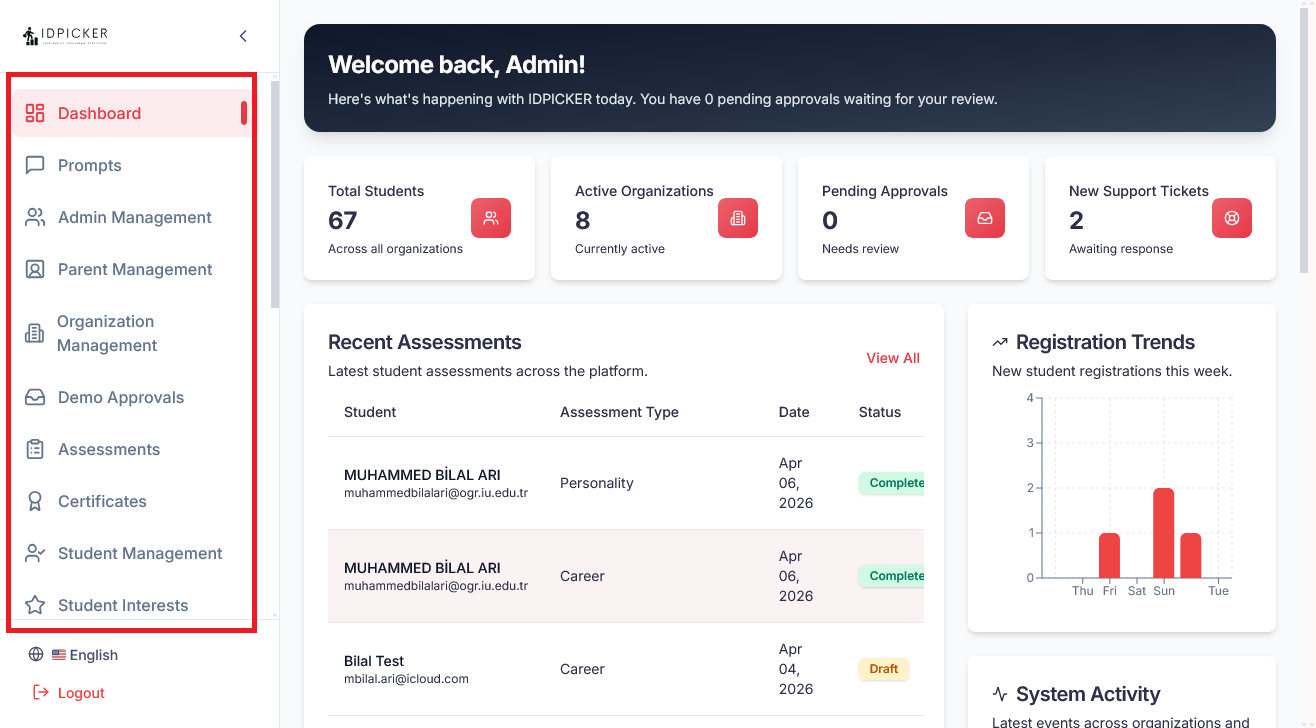
The Admin Panel is the central control surface for platform operations, governance, content configuration, and quality monitoring.
Who Should Use This Guide

  • Platform administrators
  • Super-admin users
  • Subadmin users with delegated access
  • Operations and support teams

Suggested Reading Order

  1. Admin login and dashboard overview
  2. Student, parent, and organization management
  3. Admin and subadmin access control
  4. Assessments and forms lifecycle
  5. Prompts, translations, and content quality
  6. Mentor personality and interests governance
  7. Support tickets, notifications, and approvals
  8. System status and real-time logs
  9. Certificates, documents, and free-use limits

Core Features & Responsibilities

  • Manage platform users and organizations
  • Control policy and permissions
  • Review operational incidents and ticket queues
  • Maintain content quality for assessments/prompts/translations
  • Monitor usage and infrastructure signals

Admin Panel


Admin Login and Dashboard

How to access the super-admin portal, review global KPIs, and monitor platform health

User and Organization Management

How to provision new organizations, audit user accounts, and safely delete records

Admin and Subadmin Management

How to govern internal platform access and manage subadmin permission scopes

Assessments and Forms

How to globally author, import, and manage the platform’s core assessment tools

Prompts, Translations, and Content

How to edit the AI system prompts and localize the platform interface text

Support, Notifications, and Approvals

How to handle incoming support tickets, broadcast global alerts, and manage admission gates

System Monitoring and Governance

How to check service health, read realtime logs, and manage free-use policies